This site uses Yandex Metrica with cookies and Session Replay (a recording of your actions on the page) to analyze traffic and for advertising. Google Analytics (Google LLC, USA) is used only if you select “Accept”. Privacy Policy (RU)
Ozon Shelf: the “П-…” label also prints for items that Ozon asks you to pack into a security bag
Ozon Shelf: no extra label if an item is placed manually after a scan with an error
Ozon Shelf: no extra label when the same item is placed from another computer
On October 15, 2026, Ozon added a “Упаковка” (Packing) step to moving items to a shelf, and the label didn’t print for such items. Requires the Numberries 1.4.0 app or later. The extension doesn’t ask for any new permissions or sites. After the update, press F5 once on the Ozon Turbo (Турбо ПВЗ) tab.
Version 1.2.2 is available in the Chrome Web Store (since October 19, 2026; Yandex Browser installs the extension from there too) and in the Microsoft Edge Add-ons store.
Yandex Market: the label prints on the “Приёмка от курьера” (Receiving from courier) page, including at pickup points where the card is labeled simply “Грузоместо” (Package) after the scan
Nothing has changed for Ozon. The extension doesn’t ask for any new permissions or sites.
Since October 14, 2026, version 1.2.1 is available in the Chrome and Microsoft Edge stores.
Ozon: a backup QR code for issuing on the label and a “П-12” label when you move an item to a shelf. Wildberries: no extra labels, and WB Point no longer shows “Товар не найден” (Item not found) when working with the app.
Wildberries: WB Point no longer shows “Товар не найден” (Item not found) when working with the app; labels are no longer lost on slow computers
Wildberries: a repeat label prints only in the “Приёмка” (Receiving) tab — no extra labels at issuing, during item search or in returns. To reprint an item received long ago, scan it in “Приёмка”
Wildberries: re-receiving an item prints one label
Ozon: the label prints with “Принять вручную” (Receive manually) and when you scan several items quickly in a row; a double read of one item gives one label
Ozon: no label prints for returns and unrelated codes; receiving with “Вернуть продавцу” (Return to seller) prints one
Ozon Shelf: when you move an item to a shelf, a label with the shelf number prints, for example “П-12”. It’s on by default and can be turned off with the “Ozon Полка” (Ozon Shelf) switch in “Фильтры печати” (Print filters)
Ozon: QR code for issuing — a backup code for quick issuing in the bottom right corner of the label, printed at receiving. If the code on the item is damaged or can’t be found, scan the QR code on the label. It’s on by default and can be turned off in “Фильтры печати”
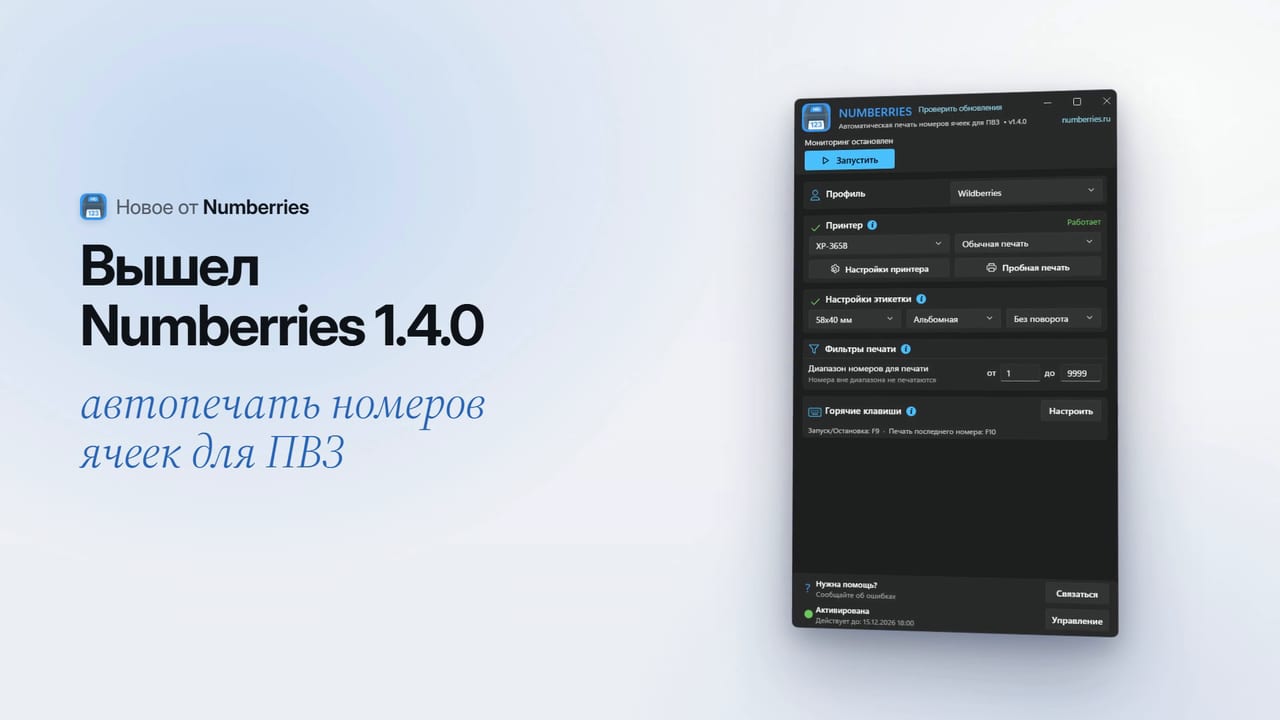
If you opened the app yourself, start work with the “Запустить” (Start) button or F9. After an update and when the app starts with Windows, work starts by itself; in manual mode (“Выбрать область”, Select area), start it with the button after restarting the computer. The “Автозапуск мониторинга” (Auto-start monitoring) switch is gone
If the printer didn’t print a label, the error is shown in the app window and in a notification from the icon near the clock
“Фильтры печати” (Print filters) has been redesigned: every setting has a gray hint. The “от” (from) and “до” (to) number range is saved when you finish typing (Enter or a click outside the field)
The setup wizard no longer gets stuck at the “Активация” (Activation) step, and its test print goes to the selected printer
For future updates: if a download breaks off or installation fails, the app offers to try again or to download the installer from the website
The new Ozon features need the Numberries Bridge 1.2.0 extension. It’s already out in the Chrome and Edge stores, and your browser will update it by itself; if the Ozon Turbo (Турбо ПВЗ) tab was open, press F5 on it once. While the extension is still the old one (1.1.0), a repeat scan doesn’t print a label, and there’s no QR code or Ozon Shelf.
The update is required: the app offers to install it in a pause between operations and turns work on by itself after installation. If the “Установка обновления” (Installing update) window freezes, close the app, start it again and retry; if that doesn’t help, download the installer at numberries.ru/skachat.
Print numbers for the shelves, racks and boxes of your pickup point in a couple of minutes: on an A4 sheet or on thermal labels, free and without signing up.
We have rebuilt numberries.ru from scratch: a new design, a convenient dashboard, payment for anything from one month to a year, and the “Invite a Friend” program.