

Step 1
Choose a profile
Wildberries, Ozon or Yandex Market. For Wildberries, just select the profile; for Ozon and Yandex Market, you need the Numberries Bridge browser extension.
A program for the pickup point’s Windows computer
Choose a marketplace profile, and during receiving Numberries prints a label with the cell number on its own right after the scan. Wildberries, Ozon and Yandex Market.
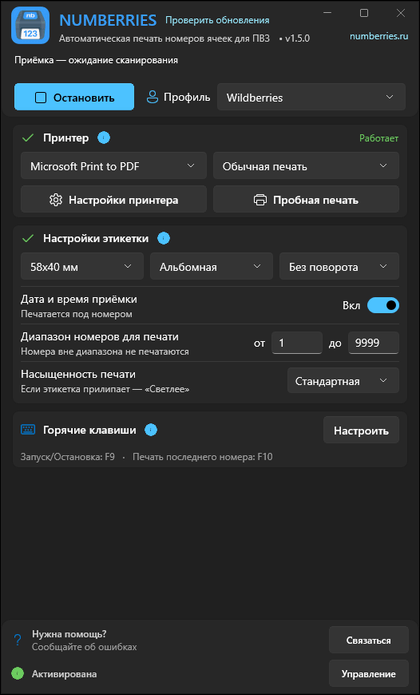
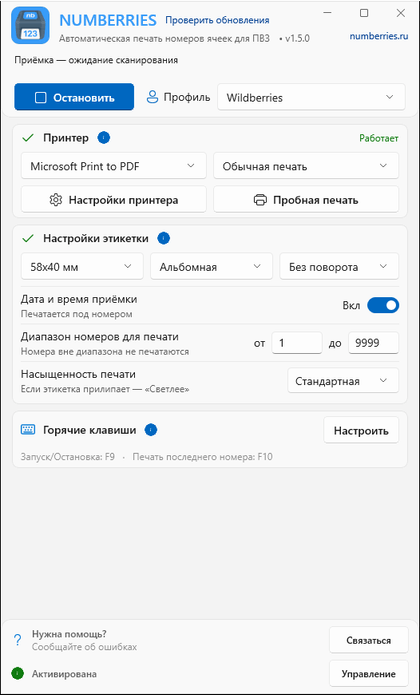
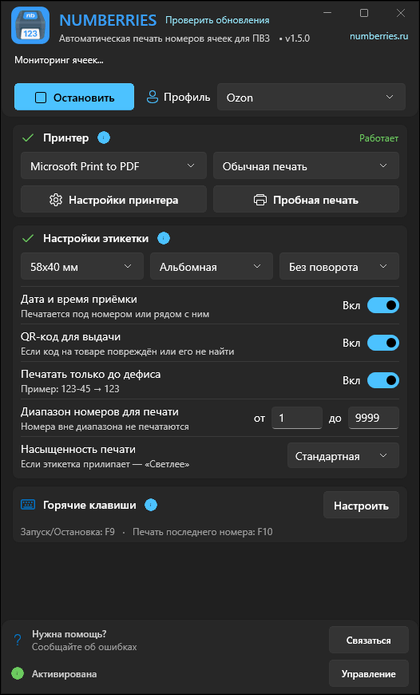
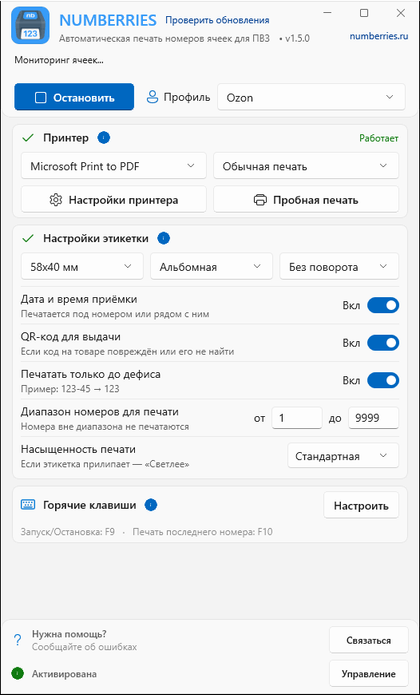
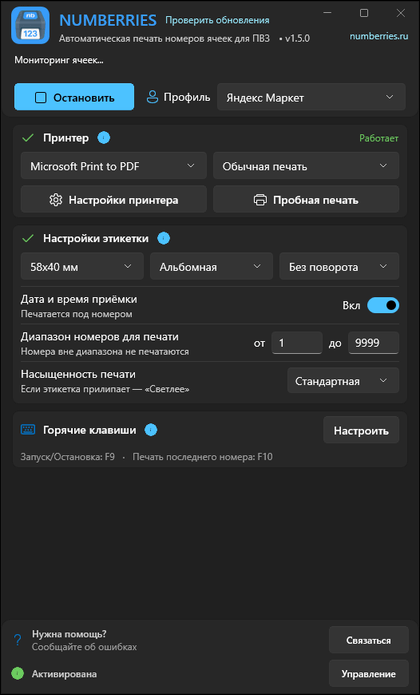
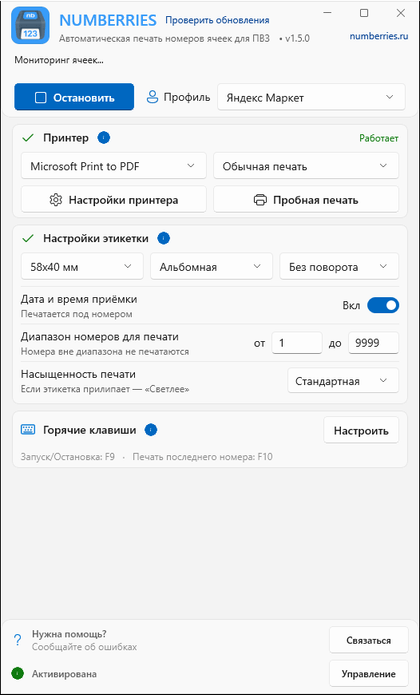
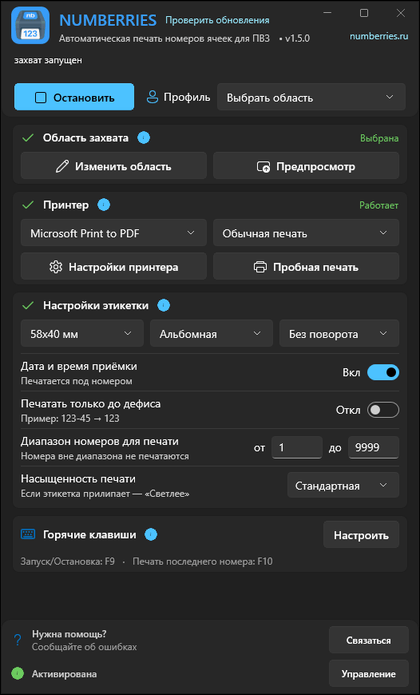
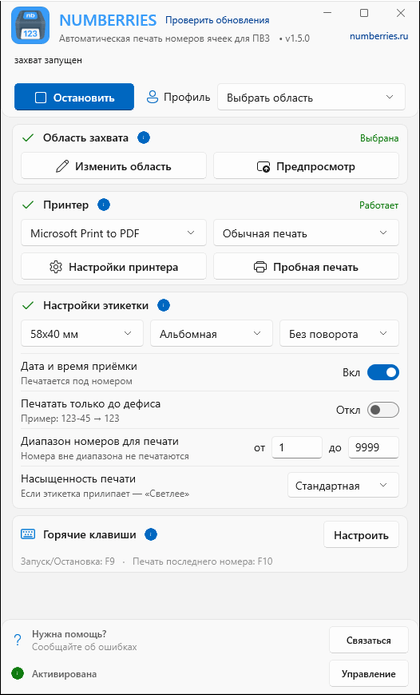

No staff training needed. You need a printer connected to the pickup point’s computer.
Wildberries, Ozon or Yandex Market. For Wildberries, just select the profile; for Ozon and Yandex Market, you need the Numberries Bridge browser extension.
Receive orders in WB Point, Турбо ПВЗ Ozon or the Yandex Market pickup point system as usual — there’s nothing to type in.
The cell number prints automatically right after the scan on any printer that can print from Windows. Check that your model works during the trial.
Choose a profile, and the label will print on its own the moment an order is received. The Numberries Bridge extension works in Google Chrome, Microsoft Edge and Yandex Browser.
Select the Wildberries profile — when you receive orders in WB Point, a label with the cell number prints on its own. No extension needed.
Install the Numberries Bridge extension — after each scan in Турбо ПВЗ, the label prints on its own, with the date and a pickup QR code.
The same Numberries Bridge extension. You grant access to the pickup point site only once, with the “Разрешить” (Allow) button.
1–9999numbers made of digits
For other pickup point systems, if the cell number appears on screen in digits: select the screen area with the number, and the app prints the label.
No special skills or training needed to install. You can start working right after installation.
Cell numbers aren’t sent over the internet — printing happens on your computer. Short internet outages won’t stop printing.
Regular updates add features and make the app faster.
Numberries simplifies everyday tasks so you can focus on your customers.
The cell number prints on its own — no marker, no manual entry.
The label comes out right after the scan, while the order is still in your hands. The number is printed automatically instead of being handwritten.
Without Numberries, the number is written with a marker on every item.
| Manual marking | With Numberries | |
|---|---|---|
| Receiving |
Without Numberries, the number is written with a marker on every itemLines at the handover counter during receiving |
The label comes out right after the scanThe number prints on its own; you just stick the label on the item |
| Accuracy |
Human errorMixed-up numbers and illegible handwriting across 1,000 cells |
No mistakes in the numberClear printed labels — no need to copy the number by hand |
| Costs |
Constant purchasesMarkers and supplies keep adding to your costs |
Predictable costsYou buy a printer once, then pay only for the subscription and label rolls |
We build the product around what our users really need.
No complex setup
Control the app without breaking your workflow
Always the latest version, no manual installation
Wildberries, Ozon and Yandex Market out of the box
Any printer that can print from Windows; check that your model works during the free trial
Extension for Chrome, Edge and Yandex Browser
Press F10 to print the last label again
Date and time of receiving, pickup QR code, number range, print density
Cell numbers and item information aren’t sent to Numberries servers
CDEK, Avito and other pickup point systems work through the “Своя область” (Custom area) mode, if the cell number appears on screen in digits
Start with a free 14-day trial, then 290 ₽ per month. No credit card or prepayment — sign up, download the app and use every feature.
14 days free with every feature. Then 290 ₽ per month.
Free 14 days
Start the trialFor professional use at your pickup point
290₽
2,900₽
instead of 3,480₽
per month
per year · ≈242₽ per month, 2 months free
Or pay upfront for 3 months — 870 ₽, 6 months — 1,740 ₽ or 9 months — 2,610 ₽. Same price per month — the discount is for the number of keys, not the term.
Volume discount on licensesVolume discount on licenses, on top of the yearly savings
up to −10% starting at 3 licenses
Buy multiple licenses Buy multiple licensesFor Windows 10 (2004 or later) and 11. One license — one computer.
By paying for a subscription, you accept the End User License Agreement. Refunds are covered by our Refund Policy.
Your subscription renews automatically only if you turn on auto-payment in your dashboard. You can turn it off there at any time before you’re charged. If the price changes, we’ll email you before charging the new price.
Prices are in Russian rubles (₽).
Switching takes 10 minutes, and 14 days are free — every feature, no credit card. Then 290 ₽ per month or 2,900 ₽ per year, and the price doesn’t depend on how many labels you print.
We openly share our plans and progress.
The idea to automate cell number printing at pickup points. Research and concept work.
Project kickoff, architecture and core algorithms.
Testing with partner pickup points and collecting feedback.
Public testing for any pickup point that wanted to join, with active feedback collection.
The app became available to pickup points across Russia.
A release with a full set of marketplace features.
Wildberries, Ozon and Yandex Market profiles, plus “Своя область” (Custom area) for other pickup point systems.
In Ozon, the label has a backup QR code for faster handover, and moving an item to Ozon Shelf prints a label with the shelf number. Download the app, buy a license and save time at your pickup point.
Available · Version 1.5.0 Last update:
The next generation of Numberries. More details later.