


Numberries for Ozon
Extension
Shelf cell number printing for Ozon pickup points
At Ozon Turbo pickup points, with the free Numberries Bridge extension, the label with the cell number prints right after the scan.
30–70 ms
print time on a mid-range computer and printer
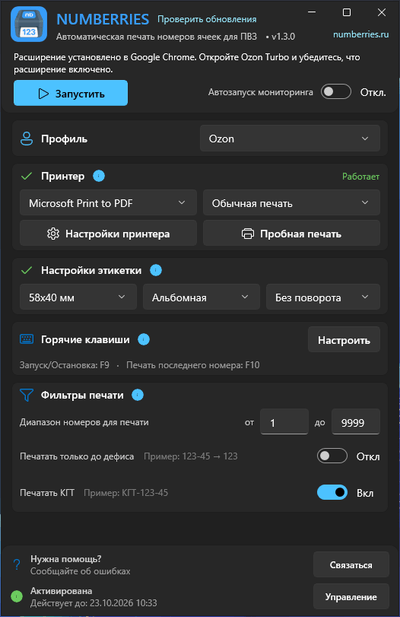
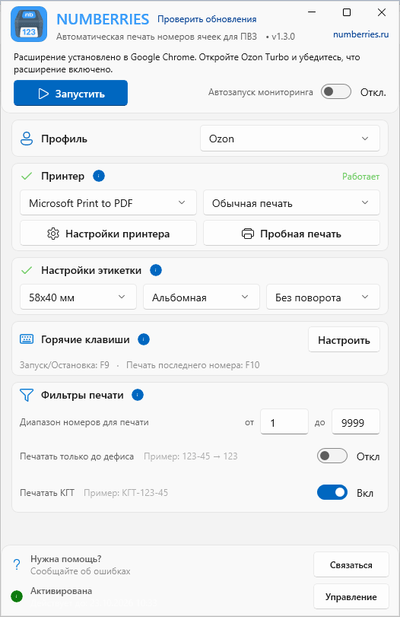
Setup
Three steps to automatic printing
-
Install Numberries
Download the app for Windows 10 or 11 — all components install automatically.
-
Choose the Ozon profile
The app offers to install the Numberries Bridge extension in your browser.
-
Open receiving and scan
Work in Ozon Turbo as usual, and the cell label prints on its own.
What you’ll need
- A computer with Windows 10 or 11
- Chrome, Edge, or Yandex Browser
- Any printer that can print from Windows; check that your model works during the free trial
Browser extension
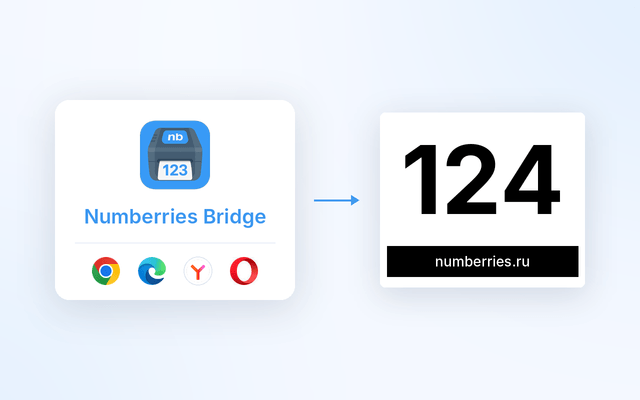
Numberries Bridge
A free browser extension — you need it for the Ozon and Yandex Market profiles. The app offers to install it for you.
 Google Chrome
 Microsoft Edge
 Yandex Browser
FAQ
What do I need to print Ozon cells?
For Ozon Turbo: choose the Ozon profile and install the free Numberries Bridge extension — the app offers to do this for you. Then scan items in “Приёмка” (Receiving) as usual, and the label prints on its own. You don’t need to select a screen area.
How do I install the Numberries Bridge extension?
Choose the Ozon profile in the app, and it offers to install the extension in your browser: Google Chrome, Microsoft Edge, or Yandex Browser. It doesn’t work in other browsers yet. Learn more on the extension page.
Are bulky item (КГТ) cells printed?
Yes. Bulky item cells such as “КГТ-36-1” print on one line if the “Печатать КГТ” (Print bulky items) switch is on in the print filters.
How many labels print when I scan again?
Each scan during receiving prints one label. Scanning an item that’s already been received, or a second item for the same cell, prints one more label each time. If you need another label for the last cell, press F10.
Does the extension send data over the internet?
No. The extension works only together with the Numberries app on your computer. It sends nothing to Numberries servers, the marketplaces or any other companies. Learn more in the Extension Privacy Policy.
How much does Numberries cost?
290 ₽ per month or 2,900 ₽ per year — 2 months free. The first 14 days are free, no credit card required. One license works on one computer with all profiles. All plans
Start now
Start using Numberries today
Try every feature free for 14 days. No credit card, no hidden fees.
- No credit card required
- 14 days free